

Pick a color. Anywhere.
An eyedropper for Mac that works even when the app is in the background. Every color becomes a named swatch, organized by list, category and project, ready to export to Photoshop, macOS or a PDF color sheet.
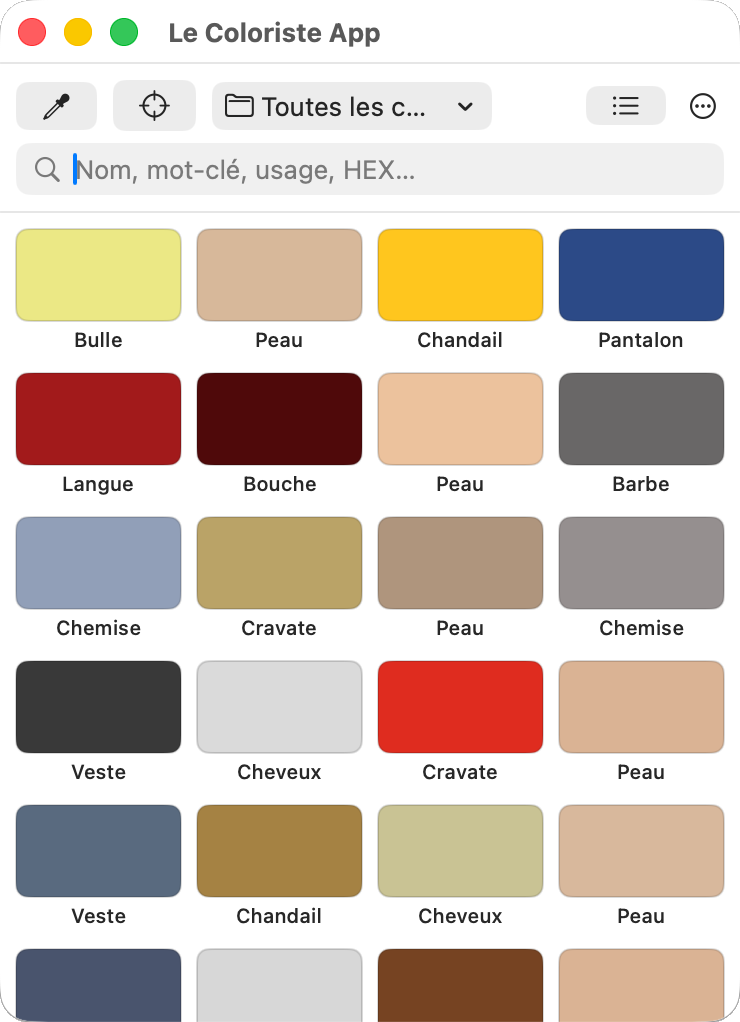
Le Coloriste at work
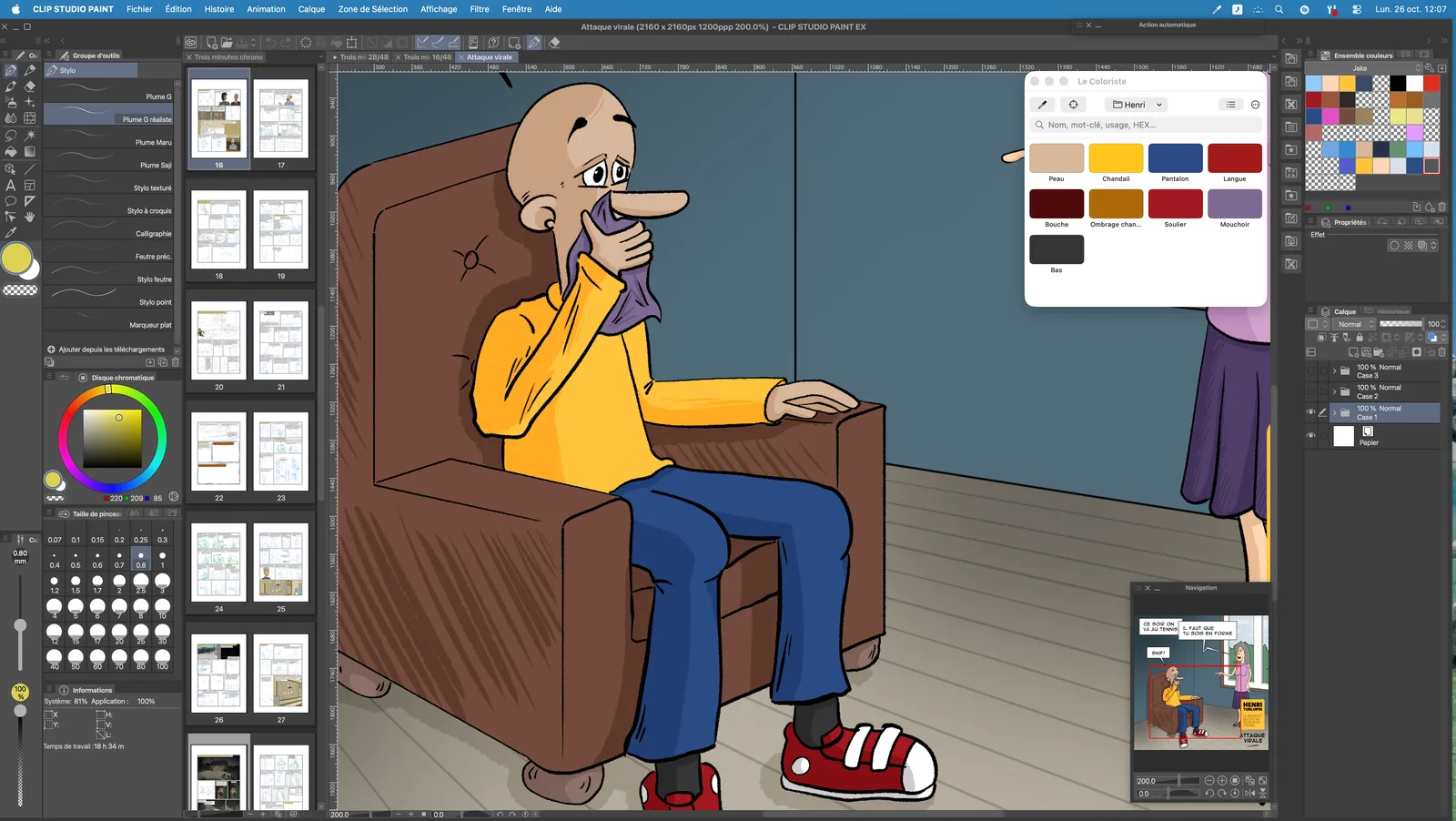
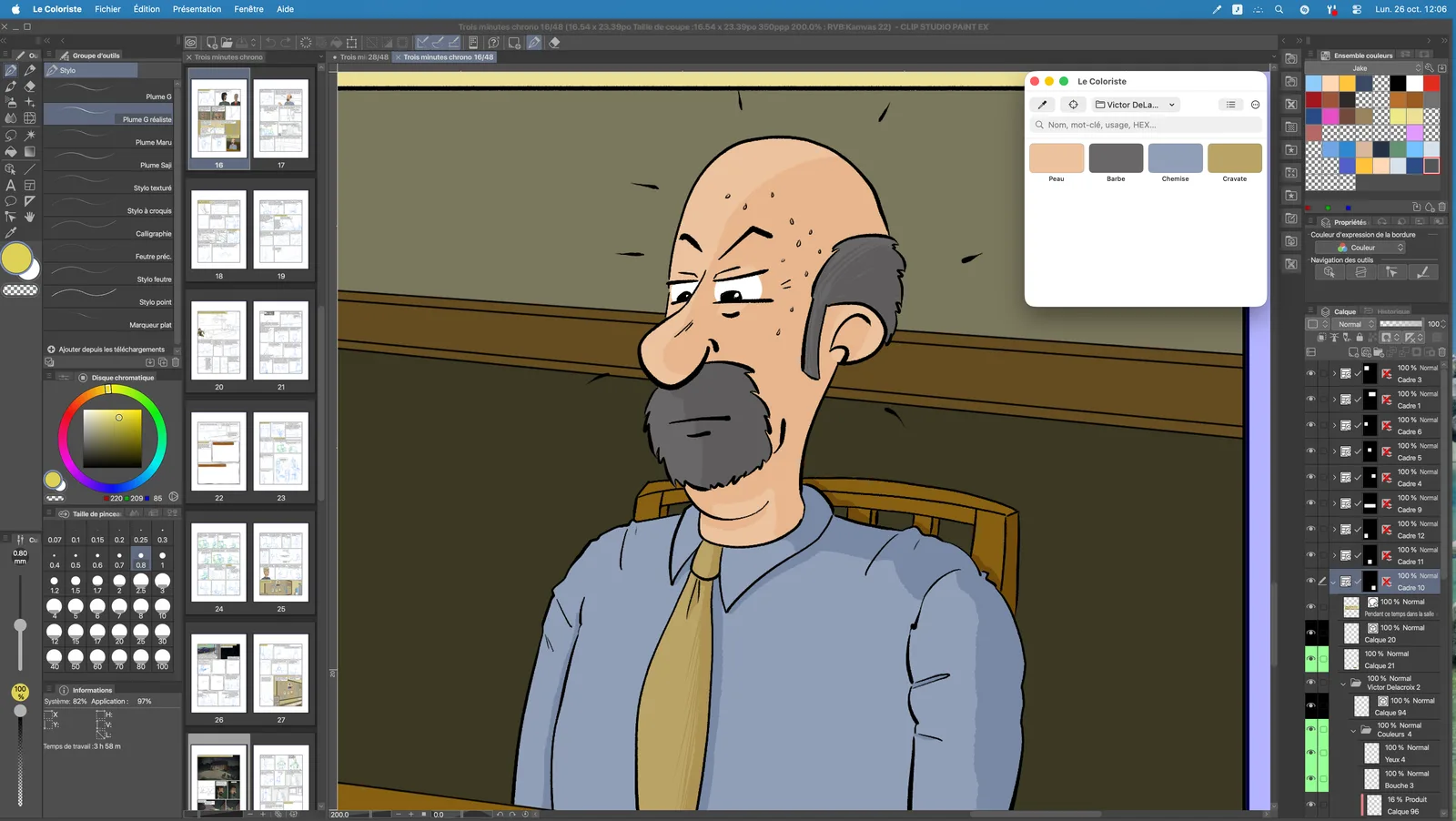
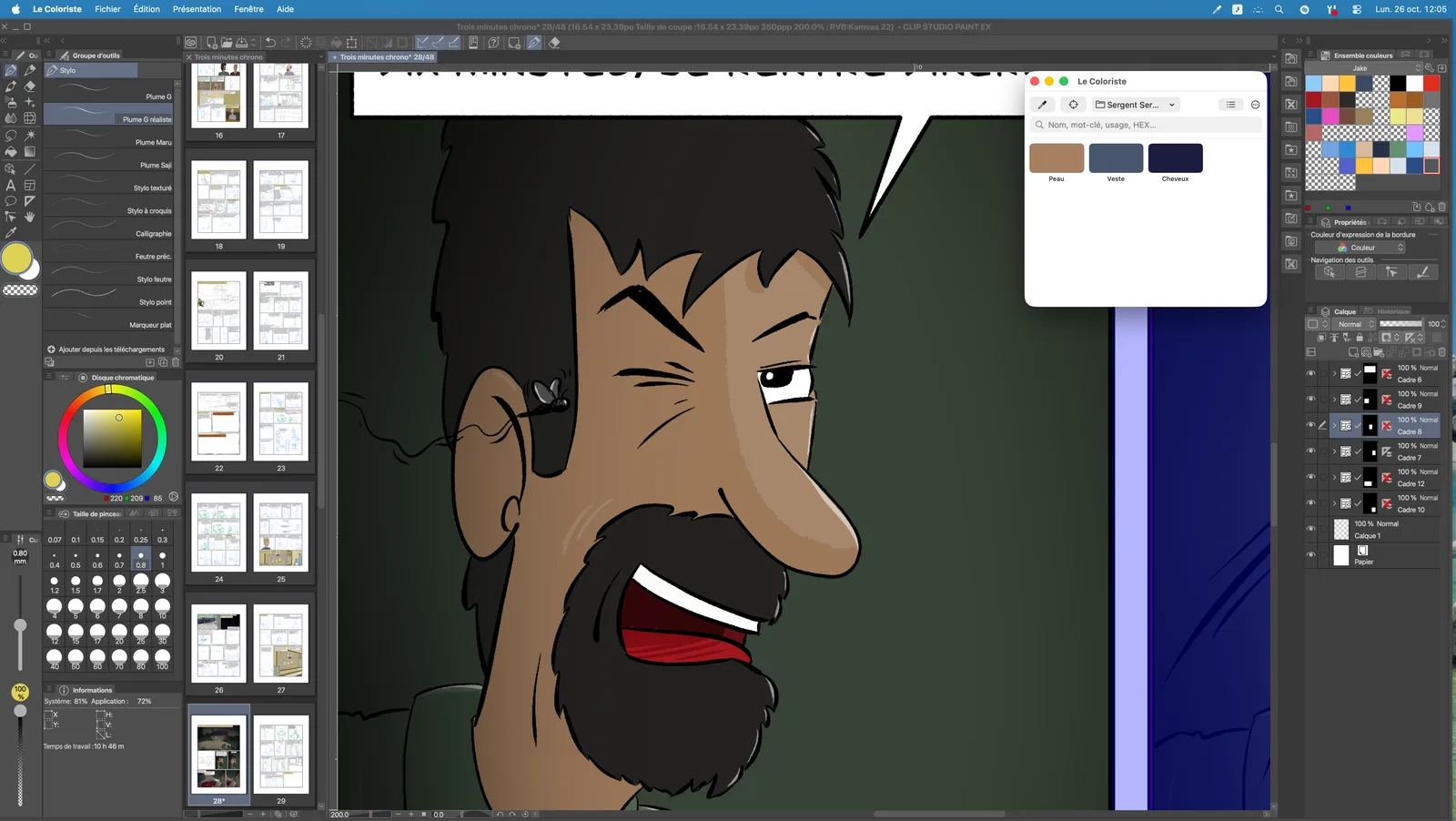
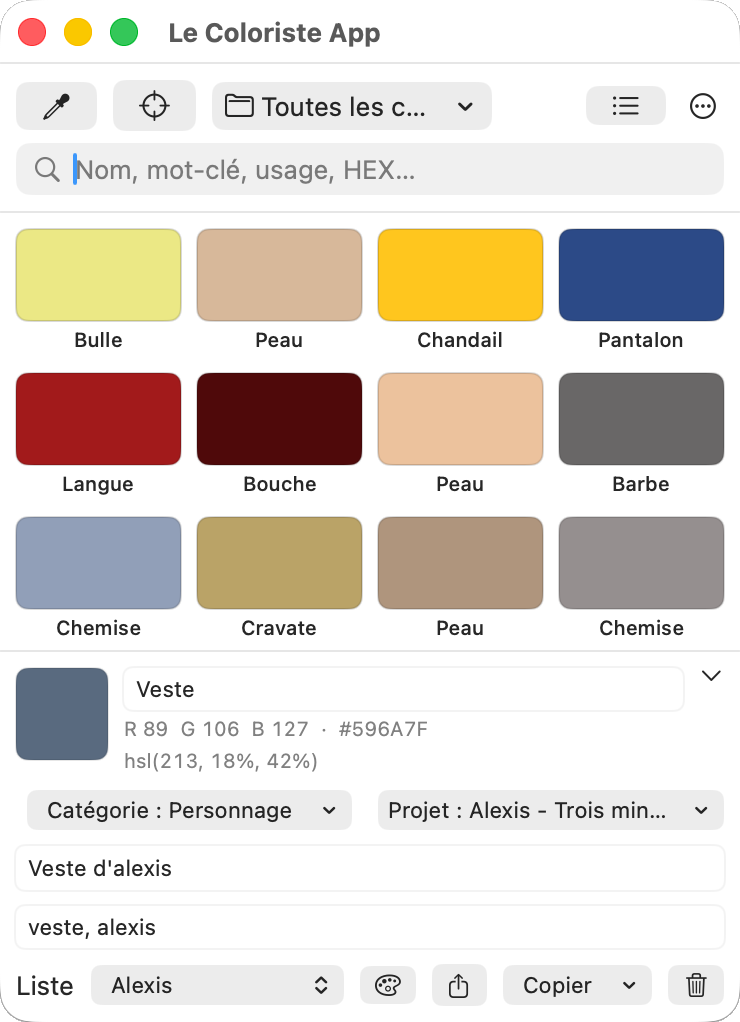
Every color, filed, described, ready to use again.
Lists, categories, projects
File a color in a list ("Henri"), a category and a project. Find it instantly by any of the three.
Search & tags
Name, usage, HEX, RGB or tag: a single search field filters your swatches as you type.
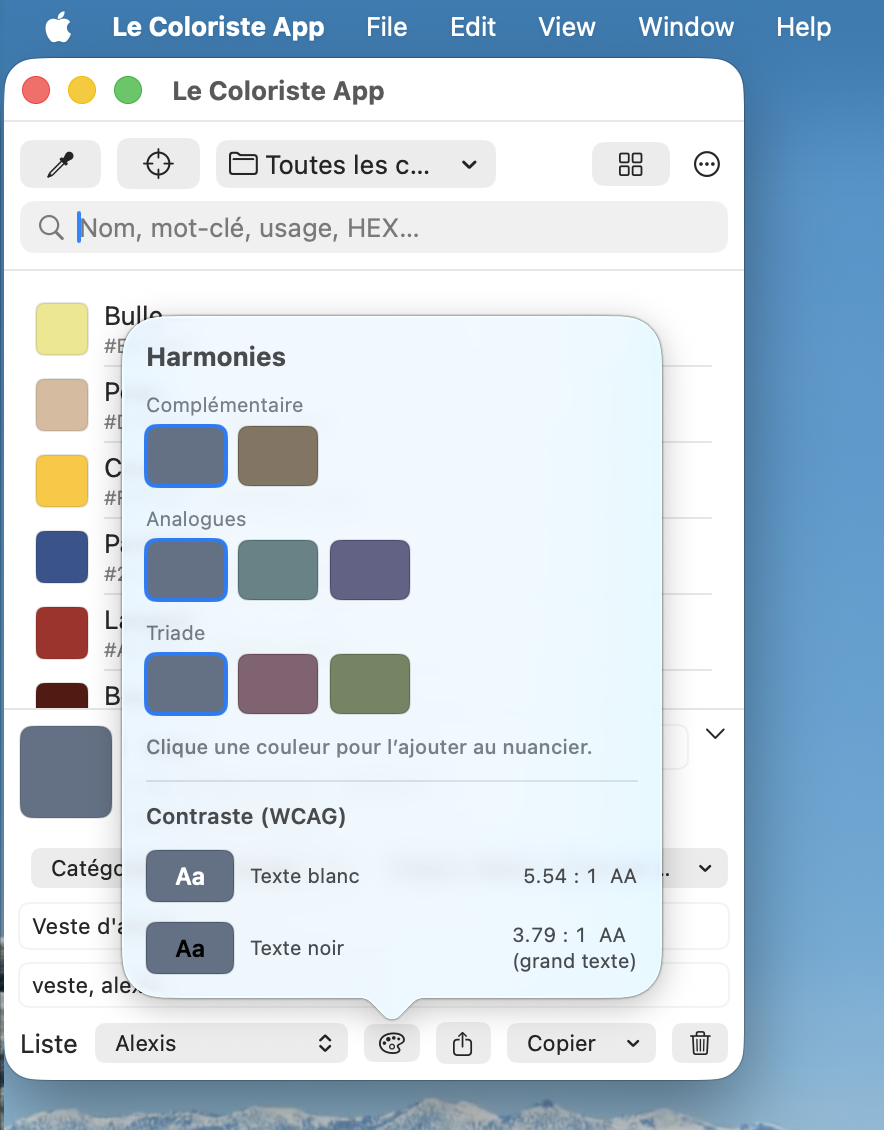
Harmonies & contrast
Complementary, analogous, triad, plus the WCAG contrast ratio (AA/AAA) with white or black text.
Multi-format export — JSON, Adobe swatches (.ase), macOS palette (.clr), 160 × 100 JPG image, or a PDF sheet per project.
Precise magnifier or live preview: your choice.
Open a magnifier, click any pixel on screen — even in another app — and the color goes straight into your swatches, ready to name. Or just move the mouse: RGB and HEX values show in real time under the pointer.
- Eyedropper (magnifier) or live preview
- RGB and HEX shown under the pointer
- Sample sizes: 1×1, 3×3, 5×5, 9×9
One color leads to two or three more.
The editor's palette button opens your color's harmonies — complementary, analogous, triad — and its WCAG contrast with white or black text. One click adds the chosen harmony to your swatches.
- Complementary, analogous, triad
- AA / AAA contrast
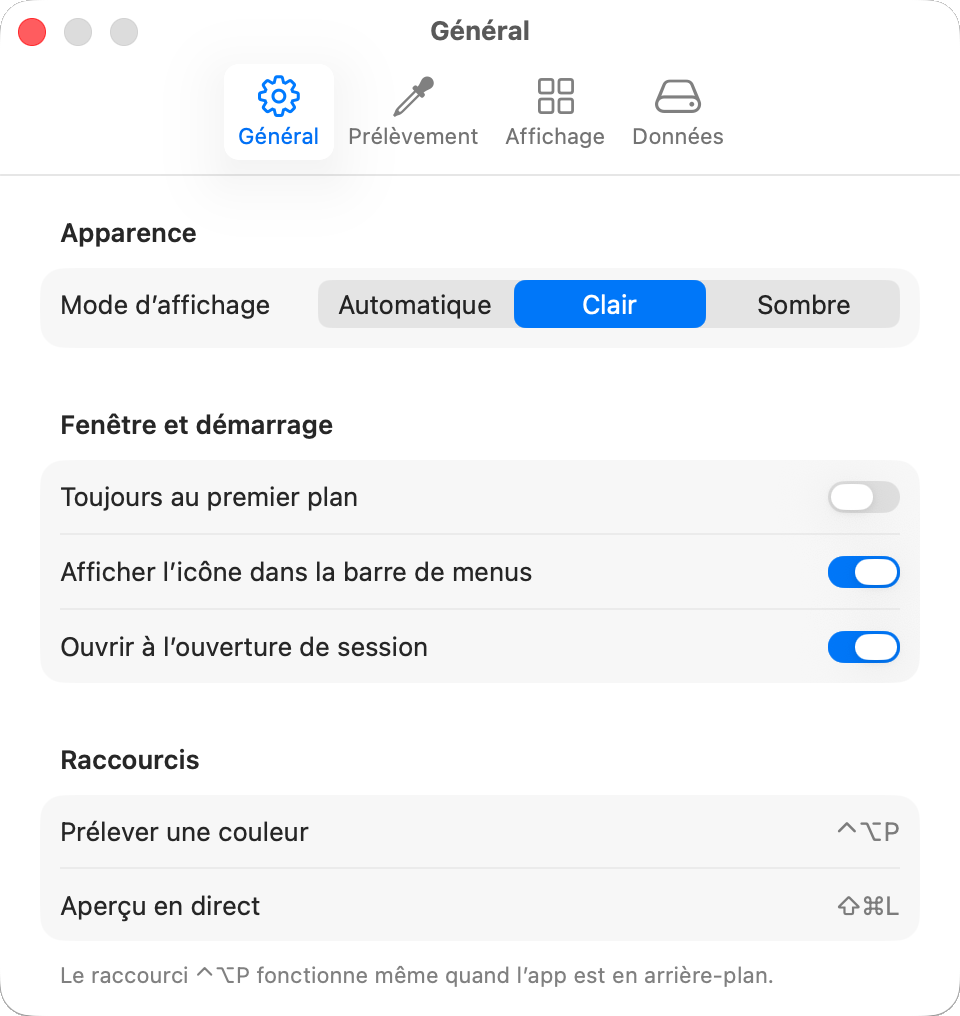
Make it your own.
Light, dark or automatic appearance, sample size, copy format, sync across multiple Macs.
- Light, dark or automatic appearance
- Sample size and copy format
- Sync across multiple Macs
$9.99 on the Mac App Store.
One price, every feature. No subscription.
Le Coloriste 1.5.3
- Pick colors anywhere on screen, even in the background
- Lists, categories, projects and tags
- Export to JSON, Adobe, macOS, JPG and PDF
- Built-in help, light and dark mode